
Saturday, January 24, 2015
Leah Waite's Poster

Lauren Proctor's Poster
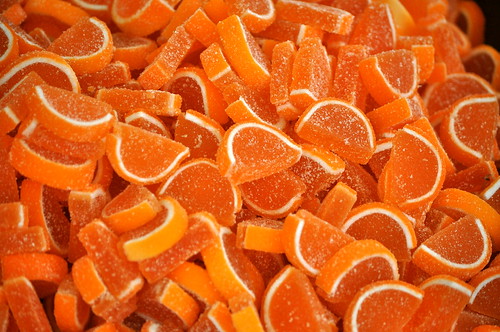
I struggled to find an image that I
thought would represent Mindforge Fractions appropriately. Therefore, I went with the direction of
food because it sounds like that is what the program uses to teach the fraction
concepts. I settled on candy,
because what do children love more?
The image at the top is divided evenly like fractions and I chose bright
colors to intrigue kids. Then, I
thought it was important to include the description at the bottom. After all, it is the parents that need
to be persuaded to buy the product.
I used Canva to design this
poster. The program was very
simple and user friendly. I think
I will continue to use Canva in the future. I only need basic design elements as I do not plan on
pursuing graphic design; the limited options do not deter me. Many of the more interesting elements
cost $1 each and I can see how this could quickly add up.

Images:




Amanda Leech: Poster Assignment

I had a lot of fun coming up with a concept for this poster, but found that my lack of artistic abilities made it more difficult to execute than I originally thought. First, I thought that a fun way to rebrand this product would be to do a Ninja who slices foods in to different fractions (i.e. the user has to slice the food in to the fraction presented). I am not sure how copyright works, since there is already a fruit ninja app for the iPhone, but I thought that might add to the appeal. Kids are exposed to so many different games and the idea I had was that this game could appeal to that sense but trick them in to learning while playing.
I chose to use Canva to make my poster because I had not yet used it and it seemed very easy. It ended up being a pretty simple program to use, and the Works Every Time format made it easy to decide how to lay everything out. I thought that the orange color would be appealing, as well as the colorful fruit. I did decide to go with a more script-like font, which the WET format suggested not to do, but it worked so well with the design that I had to stray from that one particular aspect of the format. If I were to give myself some critical feedback I would say that this is a little more adult than the age range, but my thought is that the top half of the poster appeals to children, while the overall design would appeal to parents that are ultimately purchasing the product.
Subscribe to:
Posts (Atom)